Preparing TikTok Shop livestreams for PayDay: From storefront to operations
A PayDay livestream should be prepared like a sales operations shift: products ready, clear promotional information, and someone handling orders behind the scenes. Vouchers may support purchase decisions, but they cannot replace product quality, good advice, or delivery capacity.
Height Media suggests the following checklist for sellers to review before a LIVE session. This is general preparation guidance, not an announcement of a promotional program or a guarantee that shops will receive vouchers.
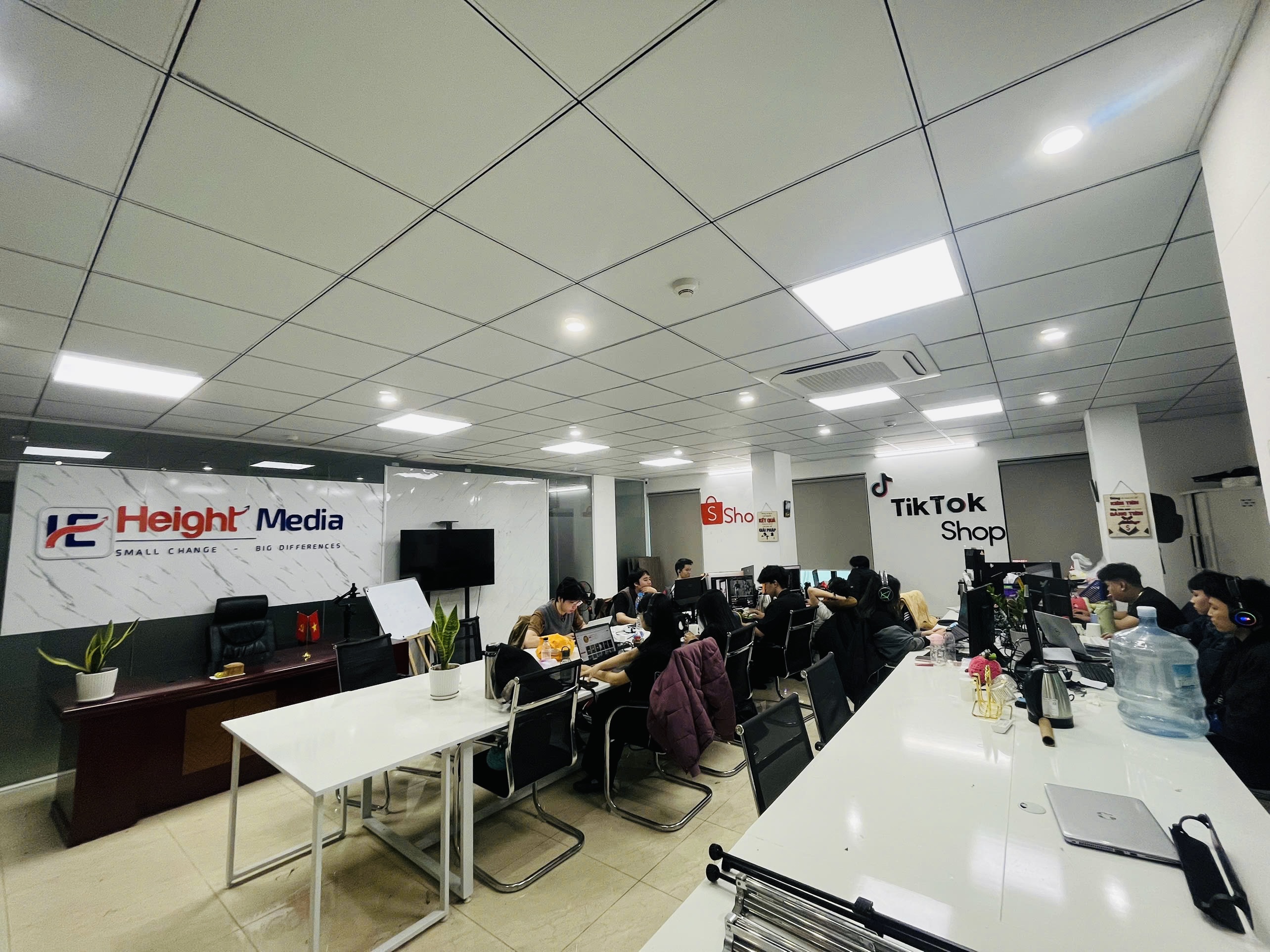
The lead image is a reference photo of Height Media’s workspace, not an image from the execution of a specific PayDay campaign.
1. Read the promotion terms before planning sales
Do not treat every discount code appearing in a LIVE session as the same type of promotion. For example, TikTok Shop describes LIVE interaction vouchers as a seller-funded tool distributed during livestreams. This differs from assuming that every voucher is funded by the platform.
Before adding a promotion to the script, prepare a brief information sheet for each voucher type: who funds it, eligible shops or products, collection and usage periods, minimum order value, maximum discount, quantity, and stacking conditions. Cross-check the information in the shop’s account and the official announcement for that specific program.
If a program has a shared budget, do not plan around that entire budget as though it were allocated exclusively to your shop. Communicate only confirmed benefits and prepare a sales plan for when the promotion is unavailable.
2. Choose products based on fulfillment capacity, not just discounts
A short, prioritized LIVE product list is usually easier to manage than a sprawling one. For each product, the person in charge should confirm:
- The name, images, variants, and product-page information match the actual item.
- Available selling quantities account for demand from other channels.
- The host understands how to use the product, its limitations, and frequently asked questions.
- The planned price remains viable after seller-funded discounts, related fees, and order fulfillment costs.
- Have a suitable alternative product ready if a variant sells out.
Do not use target revenue to determine inventory mechanically. Set monitoring thresholds so the team can update stock levels and adjust content promptly as demand changes.
3. Connect the LIVE host with the operations team
Before going live, the whole team should use a shared plan listing the product order, verified pricing, and the person authorized to confirm changes. The host focuses on explaining product value, the operator monitors the product being presented, and the support person receives questions and reports stock status.
In a small team, one person can take on several roles, but responsibilities should not be left unassigned. Agree on signals for changing products, unverified pricing, or stopping the presentation of an offer. Run through the full sequence from the opening dialogue to the product page before starting.
4. Prepare workflows for an increase in orders
Try a scenario in which orders exceed normal daily capacity: who checks orders, who confirms inventory, who packs, and who answers customers? The exercise aims to identify staffing or information gaps, not to predict with certainty that orders will increase.
- Confirm who is responsible for each stage and who can help when workloads become too heavy.
- Prepare packing materials and check variants that are easy to confuse.
- Agree on how to handle stock shortages, requests to change information, and post-purchase feedback.
- Do not promise delivery times beyond confirmed capacity.
5. Measure post-session performance, not just revenue
After a LIVE session, review views, product clicks, paid orders, cancellations or returns, costs borne by the shop, and the number of issues to resolve. When comparing two sessions, record differences in duration, products, promotion levels, and traffic to avoid attributing every change to a single factor.
The review should end with three specific actions for next time: what to retain, what to change, and who is responsible. Do not use targets set before the session as evidence of actual results.
Checklist to finalize before going LIVE
- Promotion terms have been checked for the correct account and program.
- Products, variants, prices, and stock have been cross-checked.
- The script and person responsible for each stage have been agreed.
- Equipment, audio, and connectivity have been tested.
- Have a plan for stockouts, price changes, or unavailable vouchers.
- Assign someone to track orders and schedule a post-session review.
Shops wishing to discuss storefront preparation, content, and coordination of TikTok Shop operations can message Height Media on Zalo or call 0569 17 6868. The scope of support is discussed according to actual needs; it does not include a commitment on voucher budgets or sales.
This guidance was edited on 28/09/2026. Features and promotion terms may change; sellers should check current information in Seller Center before implementation.