Master TikTok Ads Manager: A Business Guide to Setting Up Your Account Properly

Master TikTok Ads Manager: A Business Guide to Setting Up Your Account Properly
TikTok does more than connect global communities through enjoyable moments. It is also today's most dynamic marketing arena. Joining in requires brands to keep creating to reach and engage users.
To turn your customer acquisition goals into reality, TikTok Ads Manager is essential. Simple yet powerful, it is the "brain" that coordinates all your marketing campaigns.

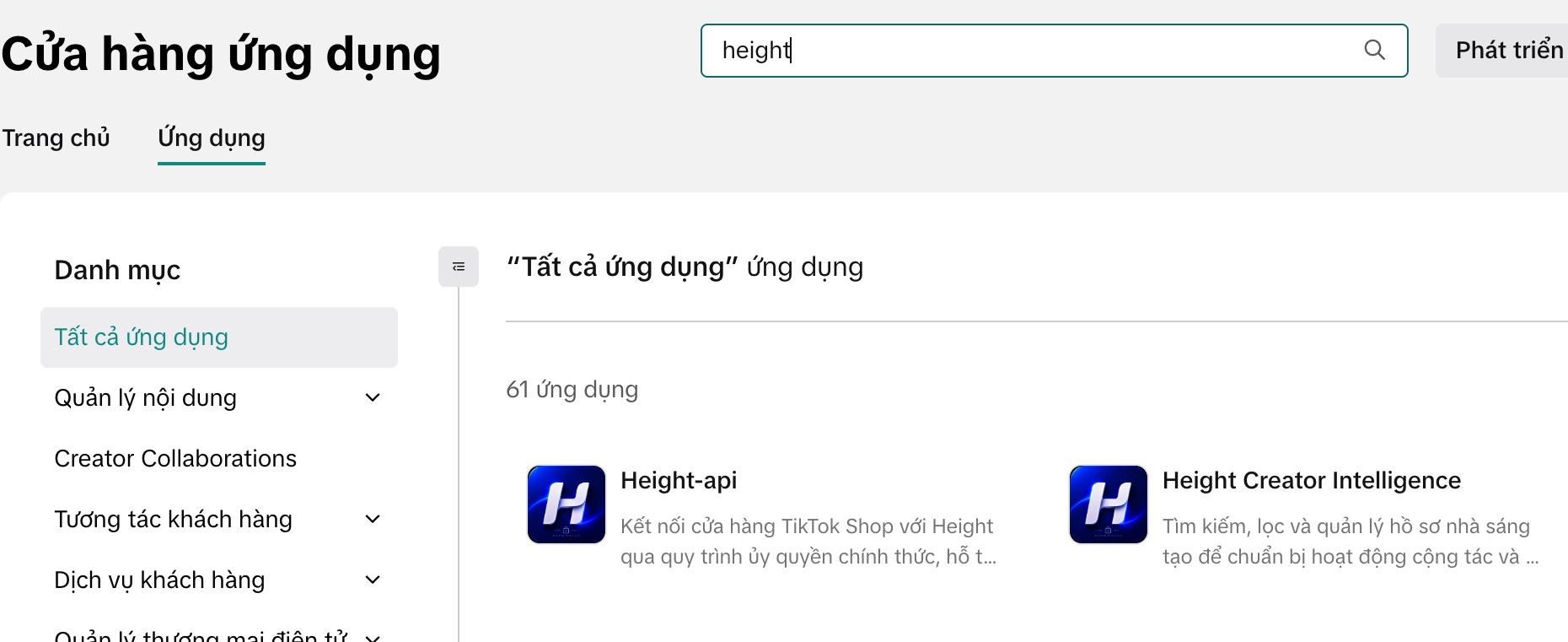
This article by Height Media explains why you need this tool and walks you through 5 detailed steps to set up your account successfully on the first attempt.
Why Does Your Business Need TikTok Ads Manager?
Before the technical details, consider 5 strategic advantages the platform offers your brand:

-
Global reach: TikTok is one of the world's most downloaded apps, available in more than 150 countries. It opens the door to global brand growth.
-
Exceptional engagement: TikTok's fun, short-video format encourages participation and engagement at far higher rates than traditional platforms.
-
Powerful creative tools: You do not need to be a professional. TikTok provides tools that easily turn raw images and videos into engaging ads.
-
Precise targeting: Connect with potential customers using detailed filters for gender, location, age, interests, and specific behaviors.
-
Transparent investment performance: Detailed data and trusted third-party measurement partners show exactly where your budget goes through metrics such as impressions, in-app actions, and conversions.
A 5-Step Process to Activate Your Ad Account
To use Ads Manager, you must pass the system's review process. Here is a standardized roadmap:
(Recommended: If you do not have a personal TikTok account, create one to become familiar with the platform and its content culture before starting).
Step 1: Create Your Login Credentials
-
Visit the registration page for TikTok Ads Manager.
-
Enter your email or phone number and a password.
-
Click "Send code" and enter the verification code.
-
Accept the terms and click "Sign up".
Step 2: Set Up the Basic Profile (Important)
Enter your business information, including country or region, time zone, and billing currency.
-
Important note: Enter a business name that matches or closely resembles its legal name. In particular, double-check the time zone because you cannot change it after account creation.
Step 3: Enter Detailed Business Information
A window appears when you first log in. Enter your address, city or province, and postal code.
-
Website: You must enter your company's website URL (standard format: https://www.tiktok.com/).
-
Review requirements: The website must work, include complete contact information, clearly promote products or services, and MATCH what you want to advertise.
(Tip: You can edit this information later under "Account settings" → "Account information").
Step 4: Choose a Payment Method
Choose between Manual Payment or Automatic (depending on your market).
-
Note: Once configured, you cannot change this payment method later. Consider your business's cash flow when choosing the right option.
Step 5: Submit and Await Review
Check all information and click "Submit". TikTok will review it and notify you of the approval result within 24 hours.
"Red Alert": 4 Reasons Accounts Are Rejected
Many advertisers struggle at the review stage. Here are 4 common mistakes you must avoid:

-
Inconsistent information: The declared business name does not match the website or legal documents.
-
URL errors: An incorrectly formatted link or a website that cannot be accessed.
-
An incomplete website: The landing page does not clearly promote products, or lacks contact information or policies.
-
Prohibited products: You are trying to advertise items, such as counterfeits, sensitive content, or nonprescription medicines, that violate the Advertising Guidelines of TikTok.
What Is Your Next Step?
Once your TikTok Ads Manager account is approved, the door to millions of new customers opens. But having an account is only the beginning. The real challenge is: What budget should you choose, and how should you set effective campaign objectives?
Want to avoid finding your way alone and wasting your budget in the early stages?
Let Height Media Support You!
We offer comprehensive TikTok Ads solutions:
-
Technical support: Resolve account and review issues.
-
An optimized strategy: Advise on the most suitable budgets and campaign objectives.
-
Content creation: Produce on-trend advertising videos.
Ready for Breakthrough Sales on TikTok?
Contact Height Media Now:
-
Hotline: 0569 17 6868
-
Address: Duy Nguyên Building, 6/7 Lê Đức Thọ - Cầu Giấy - Hà Nội