HOW TO EDIT VIDEOS WITH CAPCUT FOR BEGINNERS
HOW TO EDIT VIDEOS WITH CAPCUT FOR BEGINNERS
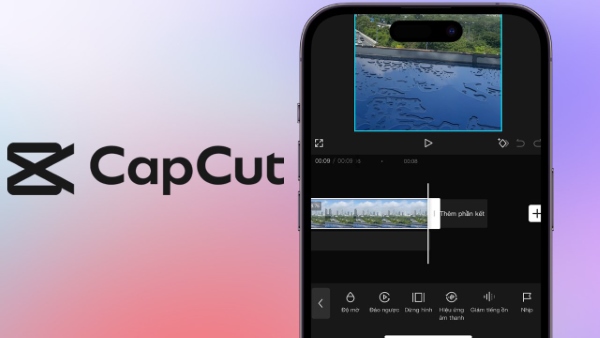
Making short marketing videos is not as difficult as you might think, and you do not need complex desktop software. With just the CapCut app on your phone, you can create million-view clips for your business yourself. Below is the simplest path to mastering this tool in just a few minutes.
1. Create a Project and Set Up the Frame
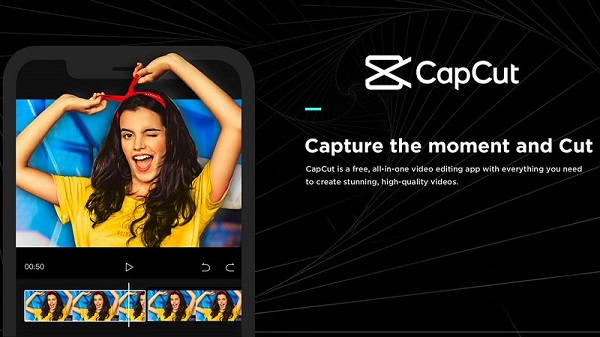
The first step is to open the app and select “New project”. Upload the raw video clips or images you have already captured. For platforms such as TikTok, Facebook Reels or YouTube Shorts, the essential rule is to go to “Ratio” and choose the vertical 9:16 format to give viewers the best experience.
2. Trim and Join Your Content
An engaging video contains no unnecessary material. Move the playhead to stumbles in speech, unintended pauses or shaky footage, then use the “Split” tool to remove them. Join the valuable clips together to keep the story flowing smoothly and concisely.
3. Add Audio and Transitions
Add subtle transitions between segments so viewers do not become bored. Next, go to “Audio” to add background music. An important note for businesses: lower the background music volume so it does not overpower the main speaker's voice.
4. Add Text and Filters, Then Export
Use the “Text” tool to type titles or subtitles for the video, helping viewers follow along even with the sound off. Finally, choose a bright, consistent colour filter for the entire clip. Once everything is ready, click the arrow in the upper-right corner to export a crisp 1080p file.
Conclusion: CapCut is like a versatile toolkit: it has many features, but using them is highly intuitive. Once you master these basic steps and practise regularly, producing marketing videos for your business will become easier and faster than ever.