TikTok Shop Policy Bulletin 25/06/2026: 6 Updates Sellers Should Know

TikTok Shop Policy Bulletin Dated 25/06/2026 summarizes 6 points that directly affect sellers, creators, content teams and LIVE operations teams. Sellers should update their SOPs early, especially for copyright-related content, identity verification and livestream organization.
Summary of 6 important updates
- Do not use FIFA, World Cup or related terms in product listings without authorisation.
- Intellectual property rights holders can use IPPC to register assets, find infringements and submit and track complaints.
- From 25/06/2026, each identity document may be used to verify up to 5 creator TikTok Shop e-commerce accounts.
- From 07/07/2026, additional guidance applies to weight-management claims in content.
- Do not share passwords or OTPs, or log in through suspicious links impersonating verification badge services.
- Do not run simultaneous LIVE streams or broadcast through multiple accounts or platforms contrary to the guidance in the bulletin.
1. FIFA and World Cup Rights: Check Everything from Product Names to Images
According to the reminder in the bulletin, sellers should not use the names FIFA, World Cup or related terms in product listings without authorization. Reviews cover not only titles but also product images, descriptions, hashtags, FIFA logos and official team badges on jerseys.
Before listing products for a seasonal event, ask suppliers for copyright documentation or authorization letters. If there is no clear evidence, use neutral descriptions that accurately reflect the product's characteristics instead of attaching protected brand or event names.
2. IPPC Helps Rights Holders Monitor Infringements
IPPC is presented as a tool for intellectual property rights holders to register IP assets, find suspected infringing content or products on TikTok Shop, file complaints and track resolution. Businesses with exclusive trademarks, images or content should organise evidence of their rights before submitting a request.
Conversely, sellers should retain invoices, authorization letters and image source records to respond transparently if they receive intellectual property notices.
3. Creator Verification Limits from 25/06/2026
Each national identity card or personal identification document can be used to create no more than 5 e-commerce accounts on TikTok Shop when creators complete identity verification. For agencies or creator teams, this must be managed from the account allocation stage.
- Do not use one person's documents to open accounts on behalf of multiple other individuals.
- List the accounts linked to each creator and the people responsible for administering them.
- Check whether verification can be completed before finalising a booking schedule or affiliate campaign.
4. New Guidance for Weight-Management Content from 07/07/2026
The bulletin states that the new guidance adds ways to assess weight-management claims in content. Sellers should review videos, LIVE scripts, captions, cover images and product claims before publishing.
Prioritise substantiated information and avoid absolute promises or exaggerated outcomes. For health and weight-related content, see detailed guidance on safe content on TikTok Shop.
5. Watch for Verification Badge Scams
Do not share passwords or OTPs or log in through unfamiliar links just because a sender claims to be platform staff or a verified account. Check every request through official TikTok channels and Seller Center notifications.
- Do not send OTP screenshots, recovery codes or login details through messages.
- Check the domain and sender address before opening links.
- Assign account permissions by role and revoke access as soon as staff leave the project.
6. Do Not Broadcast LIVE Simultaneously or Through Multiple Accounts
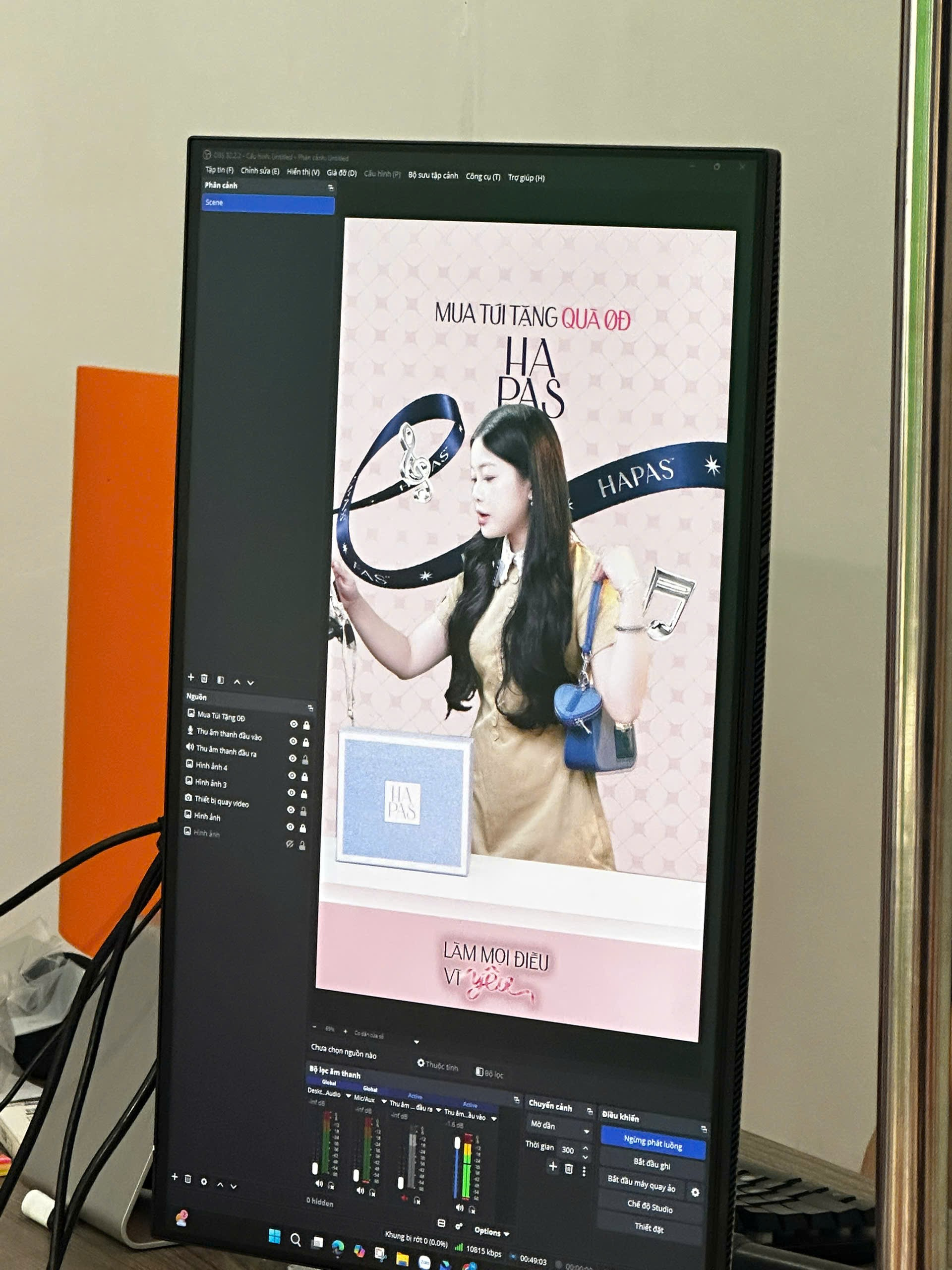
The reminder requires focusing on a single LIVE session in one location at a time. Simultaneous distribution to another account or platform is not permitted within the scope stated in the bulletin. Operations teams should check broadcast software, RTMP settings, backup devices and schedules to avoid unintentionally creating simultaneous sessions.
A 24-Hour Implementation Checklist for Sellers
- Review titles, images, hashtags and product descriptions containing FIFA/World Cup elements.
- Review verification documents and the number of accounts linked to each creator.
- Review weight-related claims in videos, LIVE streams and product pages.
- Review access permissions, administrator emails and OTP-handling procedures.
- Ensure livestreaming software does not broadcast simultaneously to multiple destinations beyond the permitted scope.
Need Help Reviewing Your Store and LIVE Processes?
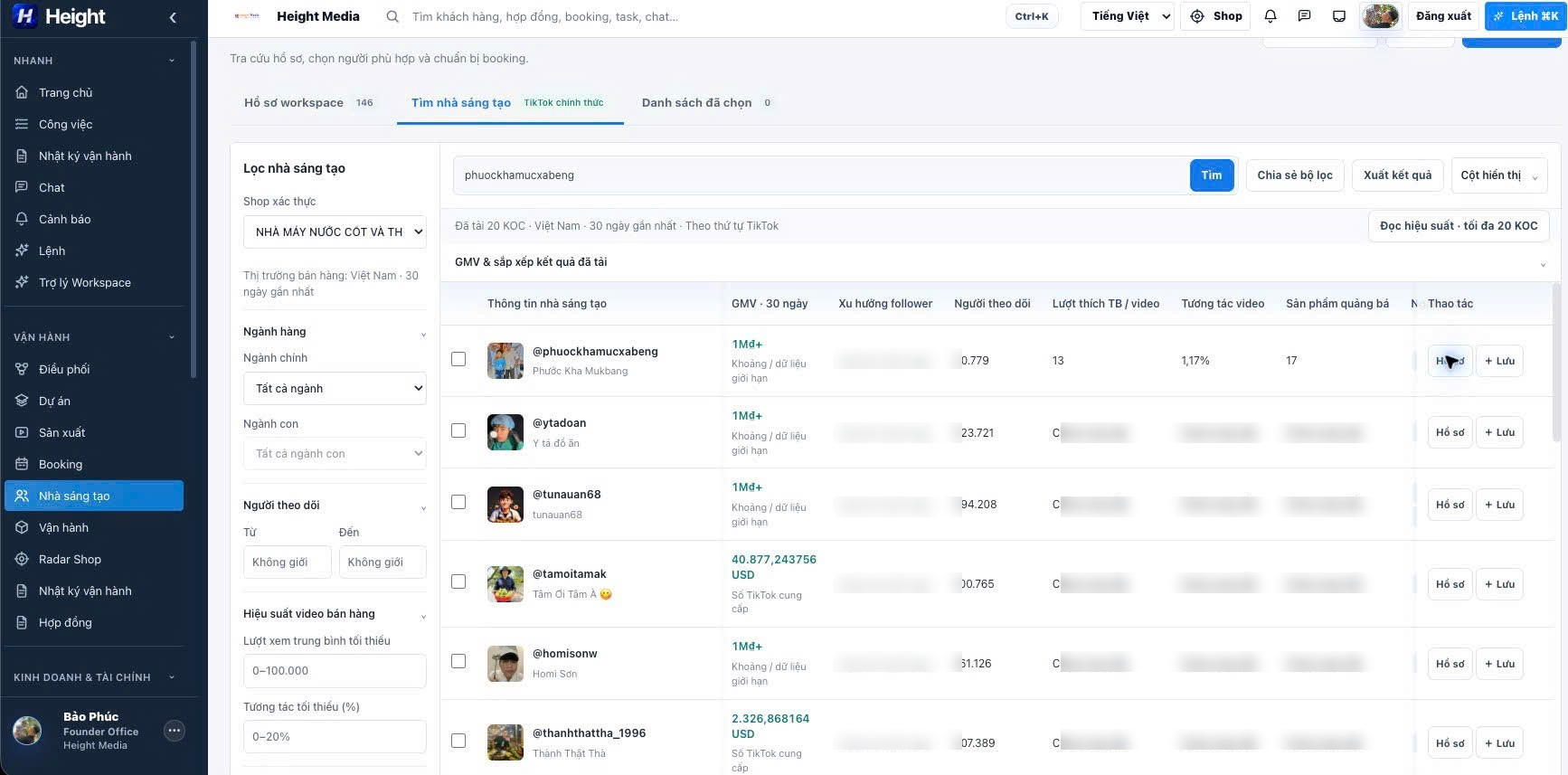
Height Media helps businesses standardise TikTok Shop operations, content processes, creator access permissions and livestream scripts for individual categories.
View TikTok Shop operations services or view operations service pricing.